

A year or two ago, most business conversations about AI sounded like this: write this email; summarize this document; generate this marketing copy; answer this question.
Those tasks are useful. They save time. But the employee still has to carry the work from one application to another—copying a draft into a CRM, checking inventory in a spreadsheet, sending a follow-up from a shared inbox, and remembering to update the record afterward.
The newer model looks different. A customer submits an inquiry. Instead of only drafting a reply, a properly designed system might receive the inquiry, understand the request, check customer or company information, create a CRM record, determine routing, prepare a response, notify a salesperson, and schedule follow-up.
That is not simply better text generation. It is workflow participation: software that can understand a task, work across tools, and move a business process forward.
The thesis is straightforward. The next useful step for most businesses is not “AI everywhere.” It is choosing one workflow where software can responsibly do more of the work.

The important change isn't a smarter chatbot
It helps to separate three levels of software involvement.
Traditional software follows fixed rules. If X happens, perform predefined Y. That approach remains excellent when the path is clear and the inputs are predictable.
An AI assistant responds to a person. Someone asks for help; the model produces an answer, draft, or summary. The person still owns the surrounding process.
An agentic workflow receives a goal, evaluates context, uses approved tools, performs several steps, and asks for human intervention when necessary. Agentic does not mean completely autonomous. It means the software can participate in a multi-step process under defined permissions.

Recent enterprise work points in the same direction. OpenAI’s research on AI-native companies describes leading organizations connecting agents to company context and tools so they can perform more substantial, repeatable work—not only respond to prompts. In a companion piece, OpenAI frames the enterprise shift as movement from assistance toward execution, especially where agents sit inside permissions, governance, and human review.
Google Cloud’s 2026 AI Agent Trends discussion similarly describes a move from isolated tasks toward systems that can orchestrate end-to-end workflows. Google’s architecture guidance for agentic systems emphasizes agents that can interpret goals, use tools, and adapt during execution—unlike conventional rigid automation alone. Microsoft’s process framing treats modern process improvement as a combination of deterministic workflows, agent reasoning, applications, data, permissions, human approvals, governance, and security.
The shared theme is practical: AI for business is less about a clever chat window and more about whether software can responsibly advance a real process.
Start with the workflow, not the AI
The wrong starting question is “How can we add AI to the company?” The better question is operational:
Which existing business process is repetitive, expensive, structured enough, and low-risk enough that software should handle more of it?
That framing matches how useful custom business systems are designed: around an actual need, not around a fashionable technology.
A strong first automation candidate tends to have these characteristics:
- Frequent — it happens repeatedly;
- Structured — employees generally follow recognizable steps;
- Digital — the required information already exists in email, spreadsheets, databases, forms, or software;
- Time-consuming — the process consumes meaningful employee attention;
- Measurable — the business can tell whether automation improves response time, workload, errors, or throughput;
- Recoverable — a mistake can be identified and corrected without creating major harm.
Common candidates include:
- incoming lead qualification;
- CRM entry and updating;
- shared-inbox routing;
- customer-support triage;
- preparing quotes from structured information;
- invoice and document processing;
- internal reporting;
- inventory or order exception alerts;
- retrieving information from internal documents;
- preparing follow-up actions after meetings.
AI is not required for every item on that list. Some are better solved with conventional deterministic automation. The distinction matters.
The best automation starts with a process that can be understood—not a technology that needs somewhere to go.
Not every workflow needs AI
If the rule is simply “When payment arrives, mark the invoice paid and send a receipt,” conventional automation is often preferable. The input is known. The action is fixed. Predictability is an advantage.
If the process is “Read this customer inquiry, understand which service they need, identify missing information, check the account history, decide the appropriate next step, and prepare a response,” reasoning may add useful value—because the input varies and interpretation is part of the work.

Automation needs boundaries
Greater autonomy also increases the cost of mistakes. That is not an argument against automation. It is an argument for clear boundaries.
Keep human approval around areas such as:
- final pricing;
- refunds or significant financial transactions;
- contractual commitments;
- sensitive customer communications;
- hiring and employment decisions;
- destructive system actions;
- unusual exceptions;
- low-confidence decisions;
- security-sensitive changes.
Two common patterns work well:
- Prepare → approve → execute — the agent prepares work; a person approves; the system then acts.
- Act within threshold → escalate exceptions — the agent may act inside defined limits; anything beyond those limits goes to human review.

Permissions, audit trails, and clearly defined tools are part of the design—not optional extras. Enterprise guidance from OpenAI, Google, and Microsoft consistently treats governance and human review as required infrastructure for execution, not as afterthoughts.
What this looks like inside a real business
Consider a fictional wholesale distributor—not a Proton Technologies client—that receives product and order inquiries by email.
Today the workflow might look like this: a customer emails; an employee reads the request; searches a spreadsheet or system; checks stock; asks missing questions; prepares a response; manually records the lead or order; and follows up later. Each handoff creates delay and duplicate data entry.

A redesigned system could:
- receive the email or form;
- extract the customer and requested products;
- check an approved inventory or data source;
- identify missing information;
- prepare a response;
- require employee approval before price or commitment;
- update the CRM or order record;
- schedule follow-up.
Some portions are deterministic: creating a CRM record, looking up stock from an approved source, writing a status, scheduling a reminder. Other portions may benefit from an agent: interpreting messy email language, spotting missing fields, and drafting a response that matches the request.
The value is not “adding a chatbot.” The value is removing handoffs and duplicate entry so employees spend time on judgment—pricing, exceptions, relationships—rather than retyping.
The workflow is becoming the product
Most businesses already own separate products for CRM, communication, accounting, project management, inventory, and support. People still stitch those products together with copy-paste, memory, and email.
Agents increasingly provide another layer that can work across systems—under permissions—rather than requiring a person to transfer information manually. That is why business process automation conversations in 2026 sound less like “which chatbot should we buy?” and more like “which operating workflow should we redesign?”
Beyond text and tables
Text and data workflows are only one part of this story. As multimodal AI and computer vision mature, agentic systems are beginning to combine visual information with reasoning and action—for example manufacturing inspection, warehouse monitoring, inventory recognition, safety-event detection, and document or image processing.
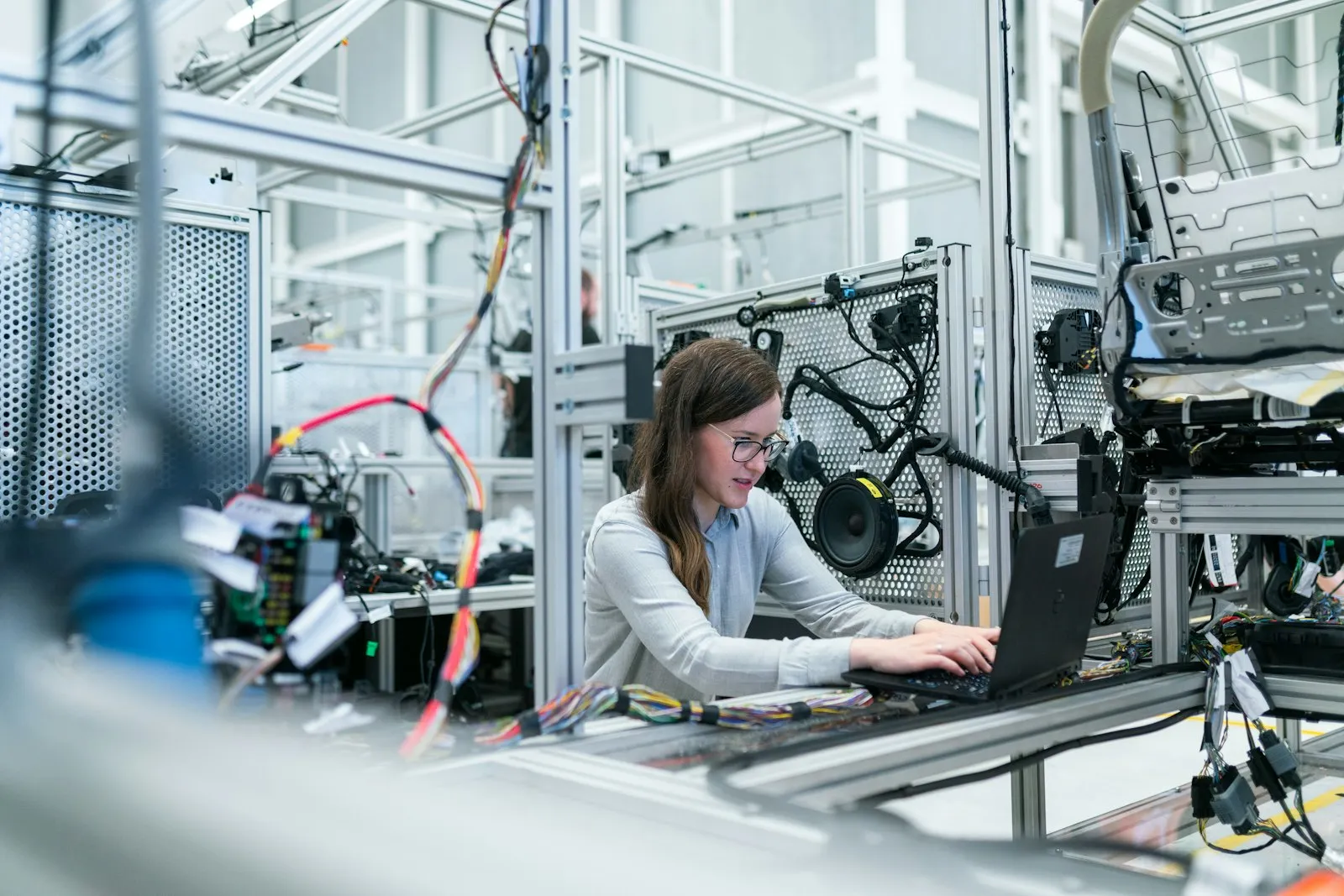
That future direction is worth watching. It is not a reason to force vision systems into a company that still needs a clearer quoting or inquiry process. Proton Technologies’ research work may explore machine learning and computer vision over time, but experimental R&D is not the same as a standard commercial product. The practical starting point remains the workflow you can define today.
Automate the problem you can define
AI agents are becoming significantly more capable. Capability alone does not make a useful business system.
The starting point is still the workflow: what happens, who handles it, where information comes from, which decisions are predictable, where judgment matters, and what happens when something goes wrong.
Once those questions are understood, the technology becomes much easier to choose—conventional automation, an AI-assisted workflow, a focused custom system, or a combination.
Sources
- OpenAI — How AI-native companies turn workflows into operating capability (September 1, 2026)
- OpenAI — From assistance to execution: How enterprises put AI to work (August 12, 2026)
- Google Cloud — 5 insights to build your agentic AI advantage in 2026 (referencing the 2026 AI Agent Trends report)
- Google Cloud Architecture — Choose a design pattern for your agentic AI system
- Microsoft — PPCC 2026: Bringing AI and your business processes together (September 3, 2026)